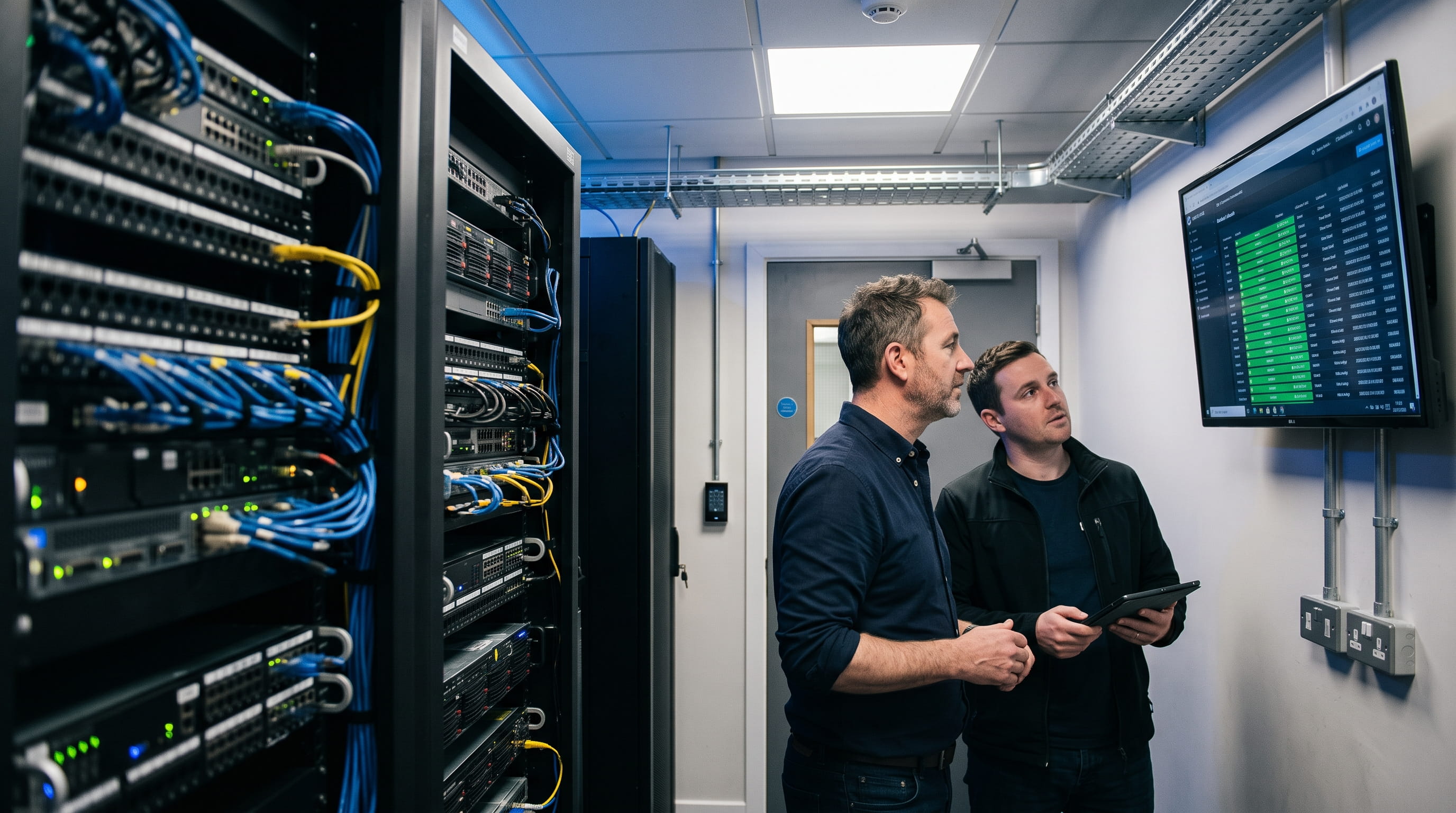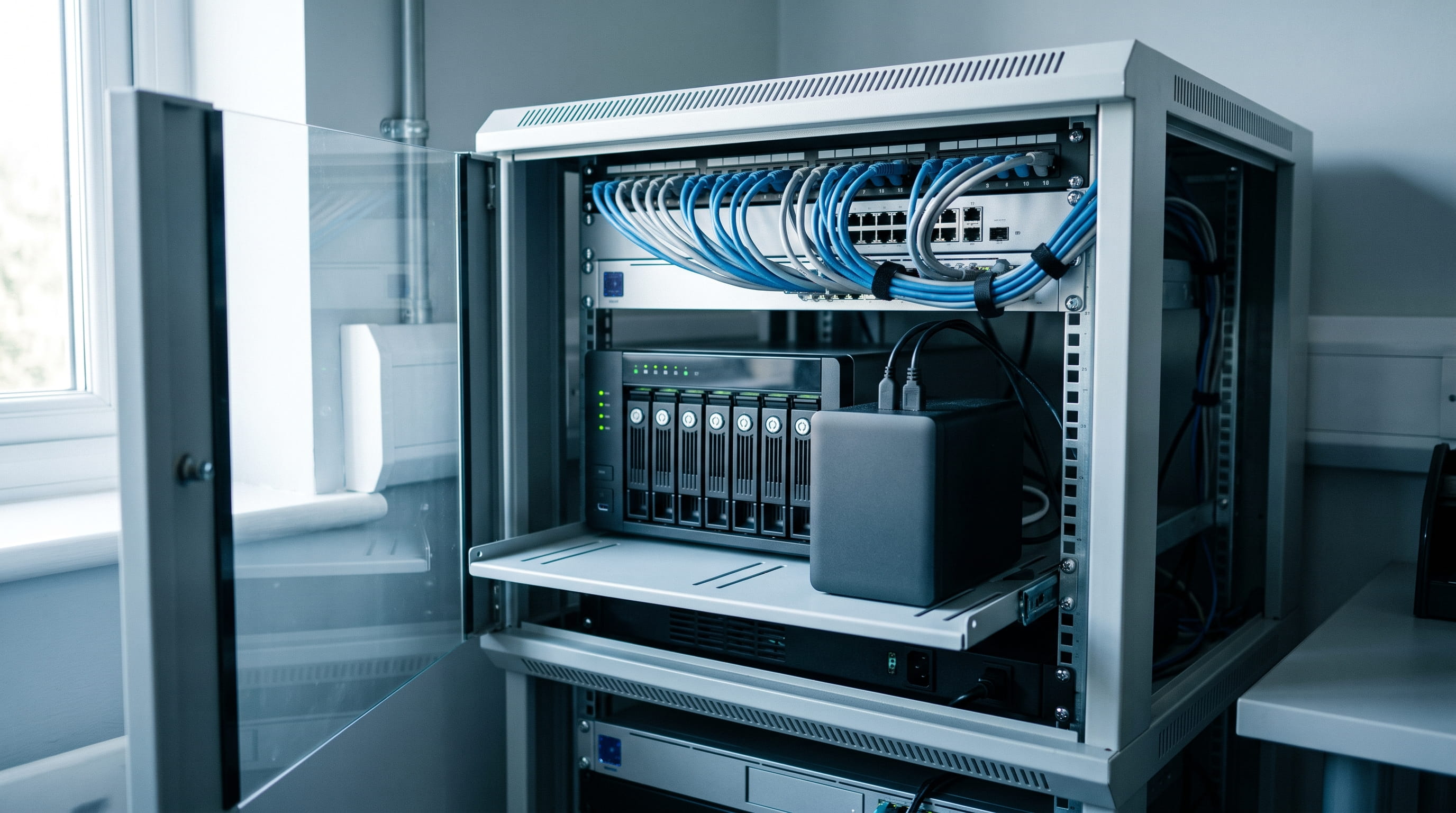
For most Irish schools, the right interactive whiteboard for classroom teaching is a 75-inch 4K panel with at least 20 points of touch, anti-glare glass and on-site warranty cover of three years or more.
List prices from Irish suppliers run from around €1,600 ex VAT for an entry-level 65-inch panel to over €5,000 ex VAT for a premium 86-inch model, before mounting, cabling and installation. The screen is rarely the expensive part of getting this wrong.
School buying differs from office buying in two ways. Funding arrives on a fixed annual cycle through the Digital Strategy ICT grant, and public procurement rules decide how many quotes you need before an order can go out.
This guide covers sizing, specifications, real cost, funding, installation and what lands in the budget after the first term.
How to Pick the Right Screen Size for a Classroom Interactive Whiteboard

Screen size follows the back row, not the budget. A 75-inch panel is the common fit for a standard mainstream classroom, where pupils furthest from the board still need to read text and diagrams without squinting.
Smaller and larger sizes both have a proper place, and mixing them across a building is normal rather than untidy.
- 65 inch. Resource rooms, SEN teaching spaces, special school settings, small-group rooms and staff rooms.
- 75 inch. Standard primary and post-primary classrooms. The default choice for most whole-school rollouts.
- 86 inch. Large post-primary rooms, science labs, lecture spaces and any room with deep sight lines.
Display and Touch Specifications That Matter in Daily Teaching
4K UHD resolution, anti-glare toughened glass and at least 20 touch points cover what daily teaching actually asks of a panel. Brightness deserves more attention than it usually gets, because a south-facing room with weak blinds will wash out a dim screen by mid-morning.
- Resolution. 4K UHD at 3840 x 2160 is the standard at 65 inches and above.
- Brightness. Classroom panels commonly sit around 350 to 450 cd/m². Bright, heavily glazed rooms want the top of that range or a Mini-LED option.
- Glass. Anti-glare and anti-fingerprint toughened glass stays readable and survives daily cleaning.
- Touch points. 20 is the working minimum. 40 to 50 lets several pupils work at the board together.
- Palm rejection and latency. Writing should feel instant, with a resting hand ignored.
Audio gets forgotten and then complained about. Front-facing speakers carry across a full classroom, while rear-firing ones bounce off the wall and lose clarity. Check pen supply as well, since replacement styluses are a small recurring cost across a whole school.
Check the Operating System, EDLA Certification and Device Management
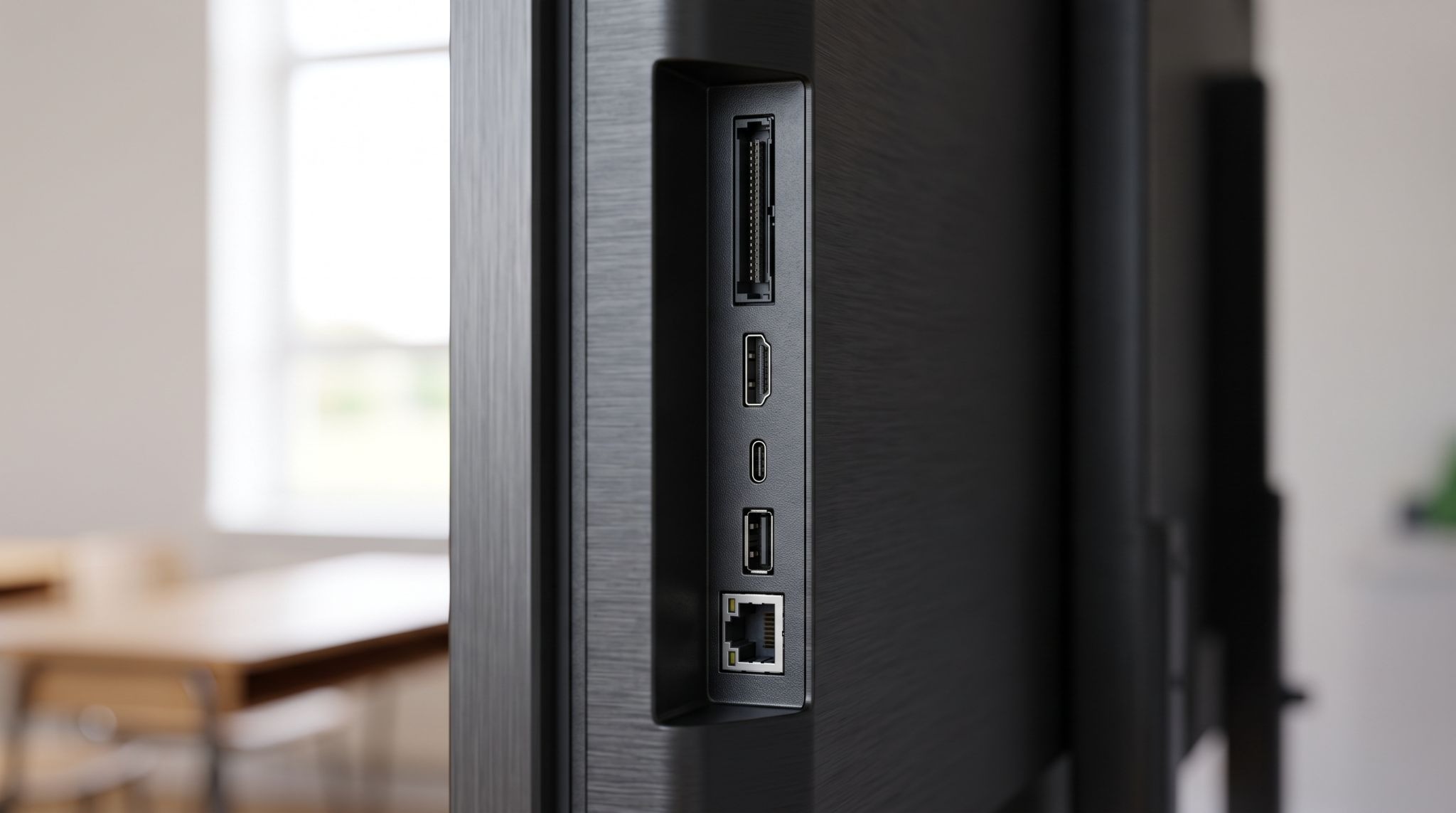
Panels now ship with a built-in Android system, and EDLA certification is what allows Google Play, Drive and Workspace for Education to run natively with single sign-on. Schools standardised on Microsoft usually specify an OPS slot and slide in a Windows PC instead.
Settle this before you shortlist. It decides what teachers can log into and how much work the IT coordinator inherits.
- EDLA-certified Android. Native Google services and single sign-on for schools on Workspace for Education.
- OPS slot. A slide-in Windows PC for schools running Microsoft 365 and Windows-only software.
- Casting. Wireless screen sharing from teacher laptops, iPads and pupil devices.
- Device management. Remote firmware updates, app control and settings pushed across every panel in the building.
Schools without in-house cover often fold this into their wider IT support for schools arrangement, so updates and logins are handled centrally rather than by whoever is free at break.
What an Interactive Whiteboard for Classroom Use Costs in Ireland
Irish supplier list prices generally run from around €1,600 ex VAT for an entry-level 65-inch panel up to over €5,000 ex VAT for a premium 86-inch model. Education pricing and bulk rates for multi-room orders usually sit below published list prices.
5 things move the number, and only the first is obvious.
- Size. Each step up from 65 to 75 to 86 inches carries a clear price jump.
- Brand and tier. Education ranges from the established display brands cost more than generic imports, mostly in support and lifespan.
- Built-in computing. Higher RAM, storage and an OPS PC add cost on top of the panel.
- Warranty length and cover type. On-site cover costs more than return-to-base and is worth it in a school.
- Mounting and installation. Fixed wall mounts, adaptive height mounts and mobile carts are all priced separately.
Fund a Classroom Panel Through the Digital Strategy ICT Grant
ICT grant funding under the Digital Strategy for Schools to 2027 is what most schools use to buy panels, and it now lands on a standardised annual schedule rather than an unpredictable one.
The most recent tranche saw €35 million issued to recognised special, primary and post-primary schools in January 2026.
Grant Payment Timing and What It Covers
Payment timing is now fixed, with the minor works grant issued in December and the ICT grant in January each year. Schools do not apply for it, and the amount follows a basic grant plus a per-pupil rate that has varied between tranches.
Planning around that calendar matters for a rollout. Quotes gathered in November put a school in a position to order in January rather than in May, which also gives installers a chance to work over a mid-term break.
Full rates and eligibility for each tranche are published on Oide's ICT grants page as they are announced.
Procurement Thresholds to Clear Before Ordering
Grant funding must be spent through established public procurement arrangements, and the value of the contract sets the process. A single panel and a multi-room rollout are treated very differently.
- Under €5,000 ex VAT. One or more competitive quotes, with at least one held in writing.
- €5,000 to €50,000 ex VAT. A written specification issued to a minimum of three suppliers, with a stated timeline.
- Above €50,000 ex VAT. Advertised on eTenders, which requires the school to register first.
The Schools Procurement Unit publishes templates and guidance for exactly this, and confirming your threshold before you start saves rework later.
Plan Installation, Mounting and Network Access Before Delivery
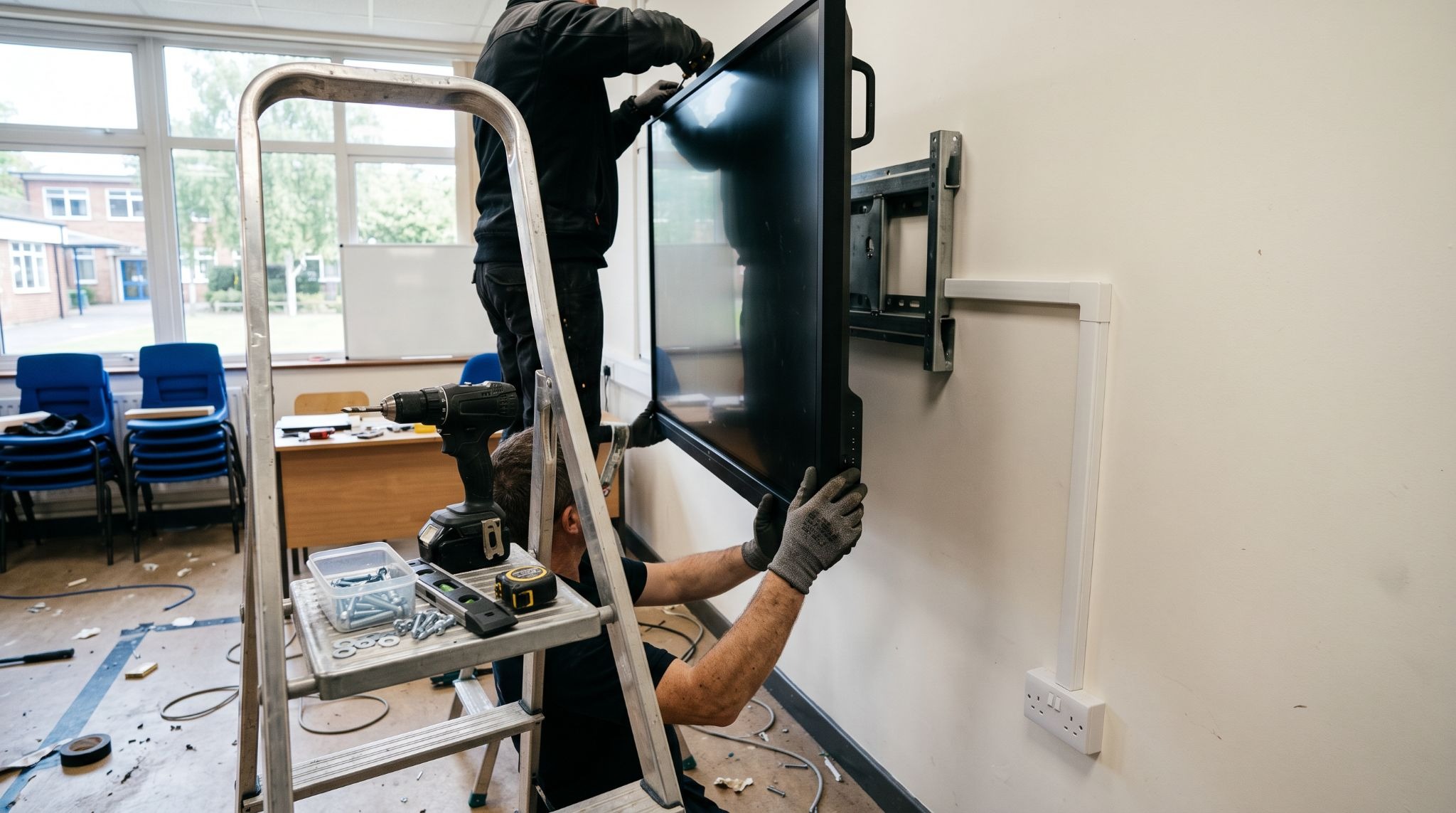
Installation decides whether a panel is usable in week one or sitting in a box until half term. Wall construction, socket position, network access and delivery access all need checking before an order goes out, not after the pallet arrives.
- Wall type and load. Solid, stud or dry-lined walls each need a different fixing, and an 86-inch panel is heavy.
- Mounting height. Set for pupil reach, with an adaptive mount where a room is shared across age groups.
- Power and data. A socket at panel height and a wired data point beat a trailing lead and patchy Wi-Fi at the front of the room.
- Cable management. Trunking keeps cables out of reach and stops them being pulled.
- Old kit removal. The projector, bracket and the existing board usually need to come down first.
Where supply and fit-out run as one project, the mount, cabling, first-day setup and staff walkthrough get handled together, which is how most interactive screen installations avoid a second visit.
Budget for Warranty, Support and Training Over the Panel's Life
Three years of warranty is the common baseline on education panels, with five-year cover available on some ranges. On-site cover is the part to check, because return-to-base means shipping an 86-inch screen off site and teaching without it for weeks.
- Warranty terms. Confirm length, on-site or return-to-base, and what the response time actually is.
- Consumables. Replacement styluses and pen trays are small, frequent purchases across a school.
- Firmware and OS updates. Panels need updating like any other device, ideally centrally.
- Staff training. A short session per year, including new staff each September, changes usage rates.
- Replacement planning. Plan a refresh window rather than reacting when a panel finally fails.
Getting this right is mostly a sequencing problem. Size and specification first, then quotes that all answer the same document, then installation booked around a break rather than squeezed into a school day.
If your classrooms are due an upgrade and you want the network, cabling and device management checked before you commit to a spend, book a free IT audit and you will know what the rooms actually need first.
Get an IT Plan Today!